
If you’re a SketchUp user looking to showcase your 3D models or collaborate with others, exporting SketchUp scenes is an essential skill to master. Whether you want to create high-quality renderings, share your designs…
CAD softwares

Designers, architects, engineers, and creators from different fields harness the power of 3D modeling software to breathe life into their ideas. SketchUp, a highly versatile platform, is a preferred choice for many. In this…
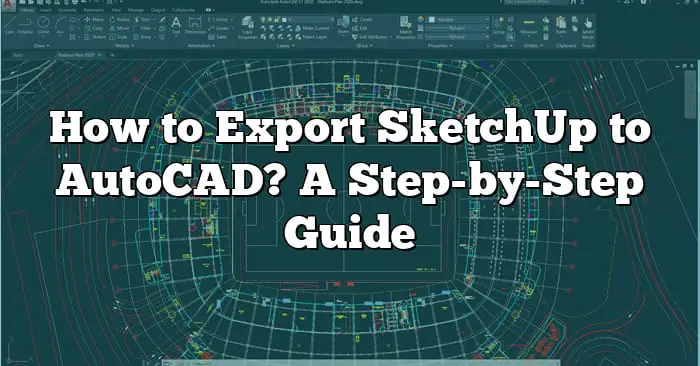
As a designer, engineer, or architect, switching between different design tools is a common part of the workflow. One such scenario that frequently comes up is exporting models from SketchUp to AutoCAD. This guide…
In today’s highly digital and design-driven world, advanced 3D design software like SolidWorks is more vital than ever. However, gaining access to these tools can be expensive, often creating a barrier for students, startups,…
One of the essential features of Civil 3D is the ability to reference external files known as external references or xrefs. Xrefing allows users to incorporate external data, such as drawings, into their projects,…

When working with Autodesk Revit, a powerful Building Information Modeling (BIM) software, the ability to create custom families is essential. Revit families are the building blocks of projects, allowing users to model and represent…
If you are a MicroStation Connect user and you want to change your text editor, you have come to the right place. MicroStation Connect is a powerful software used for designing, drafting, and modeling…
ZBrush is a powerful digital sculpting and painting software widely used by artists, designers, and creatives in the entertainment industry. One of its key features is the Quick 3D Edit mode, which allows users…
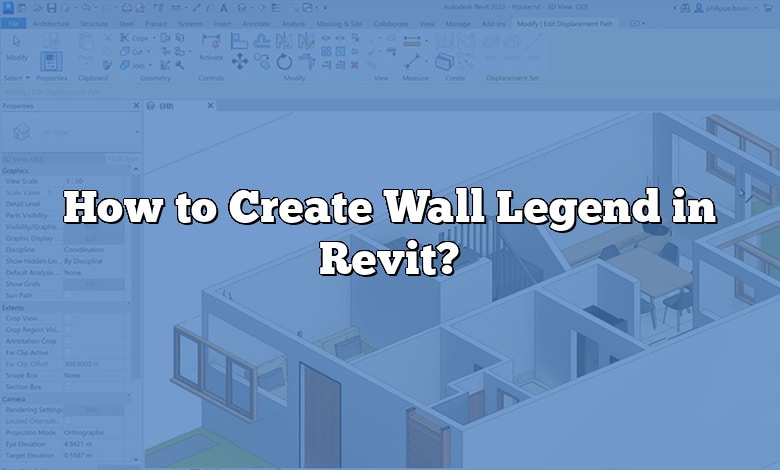
In the world of architecture and design, creating accurate and informative documentation is crucial. When working with Autodesk Revit, one essential element is the creation of a wall legend. A wall legend provides a…

Understanding how to effectively manipulate files is crucial to maintaining the integrity of your design process. One such manipulation is the ability to unlink a CAD file in Revit. This guide will walk you…
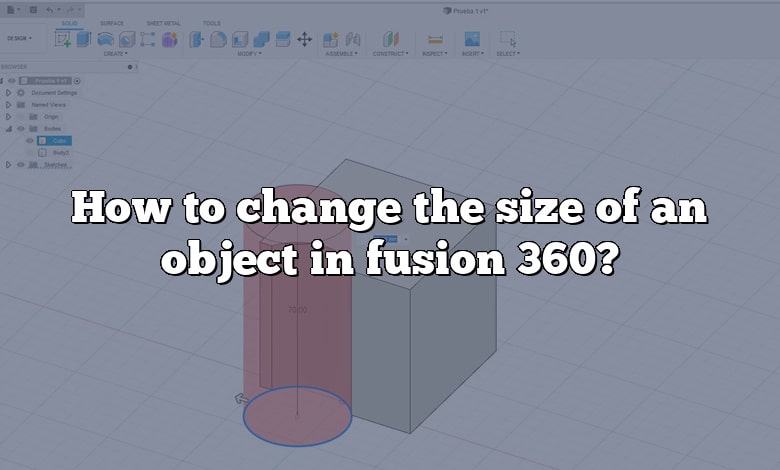
Fusion 360 is a versatile cloud-based CAD (Computer-Aided Design) tool from Autodesk that combines both parametric and direct modeling techniques. Its capabilities extend to CAM (Computer-Aided Manufacturing), CAE (Computer-Aided Engineering), and more. Fusion 360…

Introduction to Adding Arrow Line in Revit Autodesk Revit is a powerful Building Information Modeling (BIM) tool widely used in architecture, engineering, and construction fields. One of the key features of Revit is its…
