Revit
-

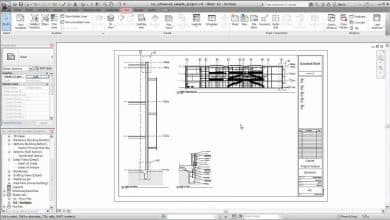
Guide: How to Edit Sheet Size in Revit for Better Design and Improved Workflow
Do you get tired of manually adjusting the sheet size in Revit to meet your design needs? Stop wasting time on the lookout! Changing the sheet size in Revit is a simple process that…
-
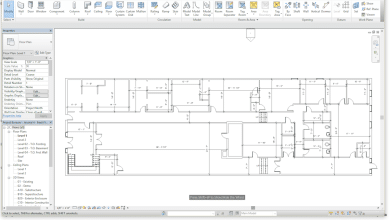
The Ultimate Guide to Changing the Associated Level of a Floor Plan in Revit
How to Change the Associated Level of a Floor Plan in Revit The process of changing the associated level of a floor plan in Revit can be an essential skill for architects, engineers, and…
-
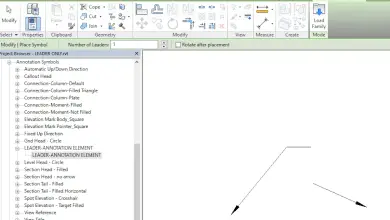
How to Add Arrows in Autodesk Revit: A Comprehensive Guide for Enhanced Design Communication
How to add arrow in Autodesk Revit Autodesk Revit is a powerful and versatile BIM (Building Information Modeling) software used by architects, engineers, and construction professionals to design, collaborate, and visualize projects. One of…
-
Why Linked CAD is Not Showing in Revit?
Revit is a powerful software that architects, engineers, and construction professionals use to design and model buildings. It allows users to import CAD files into their Revit projects, which can be useful when working…
-
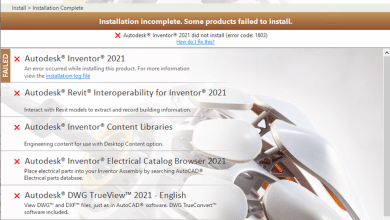
How to Fix the Infamous Autodesk Revit Install Error 1603: A Comprehensive Guide
Why Autodesk Revit Install Error 1603? Autodesk Revit is a powerful software used by architects, engineers, and construction professionals for building information modeling (BIM). It is essential for designing, planning, and constructing buildings and…
-
How to Open Higher Version Revit Files in Older Versions
Working with Autodesk Revit is a vital part of the architecture, engineering, and construction (AEC) industries. However, professionals often encounter the challenge of opening higher version Revit files in older versions of the software.…
-
How to Download Autodesk Revit on Mac: Step-by-Step Guide
Mac users who are interested in leveraging the power of Autodesk Revit may find themselves in a conundrum. As Revit is designed for Windows operating systems, its compatibility with macOS is limited. However, there…
-
How to add text to dimension in revit?
In the drawing area, select the dimension you want to edit. Double click on the dimension value. In the Dimension Value field, select Use Actual Value. Enter the text you want to display in…
-
Best answer: How to change color of cable tray in revit?
People ask also, how do I change the cable tray in Revit? We can apply cable tray material in MANAGE>OBJECT STYLES>CABLE TRAY & CABLE TRAY FITTING (For all types). Considering this, how do you…
-
How to change the elevation of a view in revit?
Open a plan view. Click View tab Create panel Elevation drop-down (Elevation). (Optional) In the Type Selector, select a view type from the list, or click Edit Type to modify an existing view type…
-
How to change the height of a column in revit?
Select a level for the top of the column, or select Unconnected and specify the column height. Room Bounding. Select this option to designate the column as room-bounding before you place it. People ask…
-
You asked: How to create a key plan legend in revit?
Correspondingly, how do you create a plan Key in Revit? Also the question is, how do you draw a key plan? In this regard, what is a key on a plan? key plan means…